Run it yourself
Run it on your computer
Three steps. Nothing is hosted: the game and a small Flagsmith server both run on your own machine.
- Docker installed and running.
- Python 3.9 or newer, and curl.
- macOS or Linux (the start script is bash). Tested on macOS only.
-
Get the code
Clone the repository, then go into its folder. Or use the green Code button on the repository page, choose Download ZIP, and unzip it.
git clone <repository-url>
cd t1-would-you-ship-it
-
Start it
One command. It creates a
.envfile with random secrets, starts Flagsmith with Docker, sets up the experiments, then serves the game. Allow a few minutes the first time, plus the image download../start.sh
Leave this terminal open. The game is running while it is.
-
Open it
Open the game in your browser. The results page is next to it.
open http://localhost:8111
On Linux use
xdg-openinstead ofopen, or pastehttp://localhost:8111into any browser. Results:http://localhost:8111/results.
What you should see
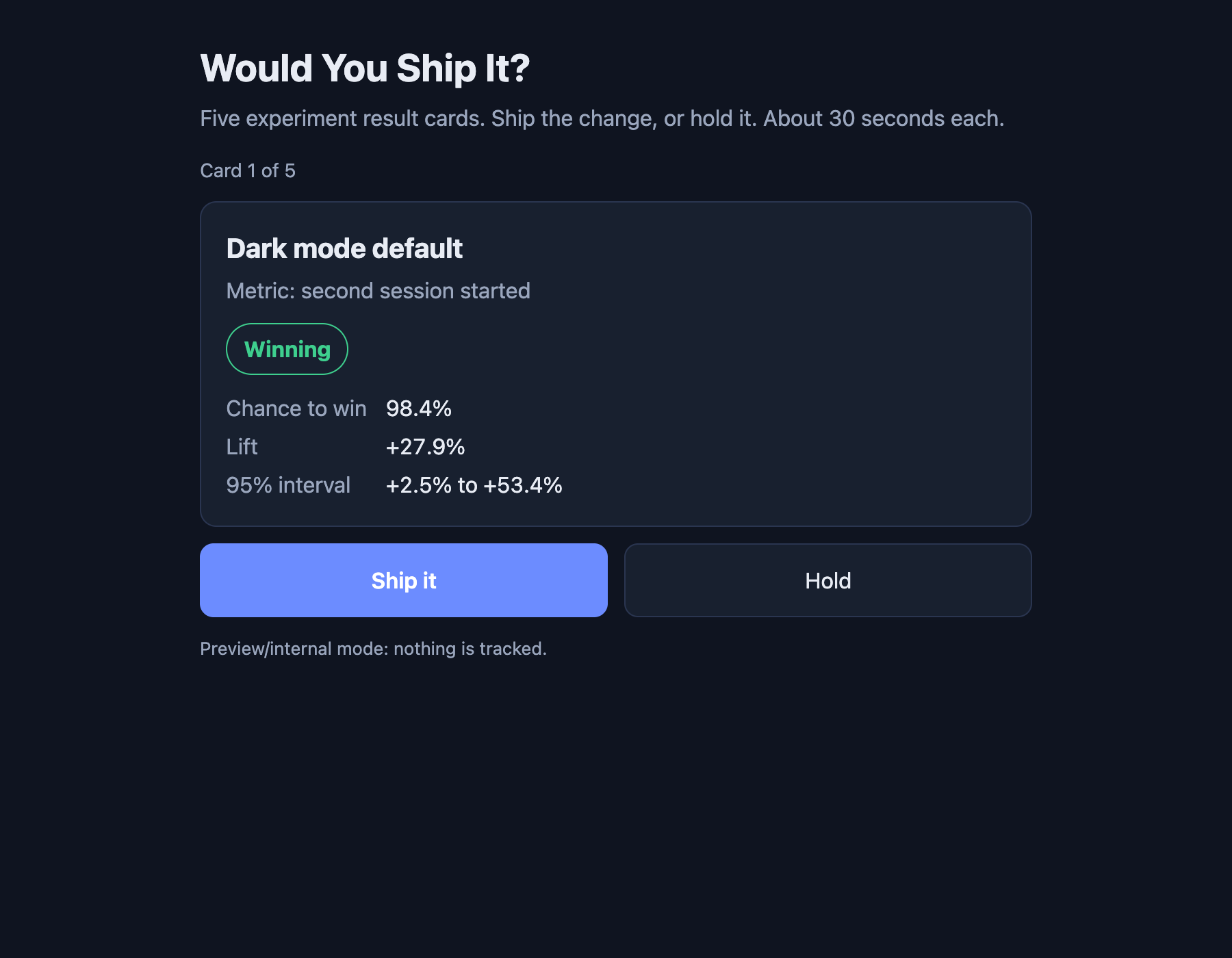
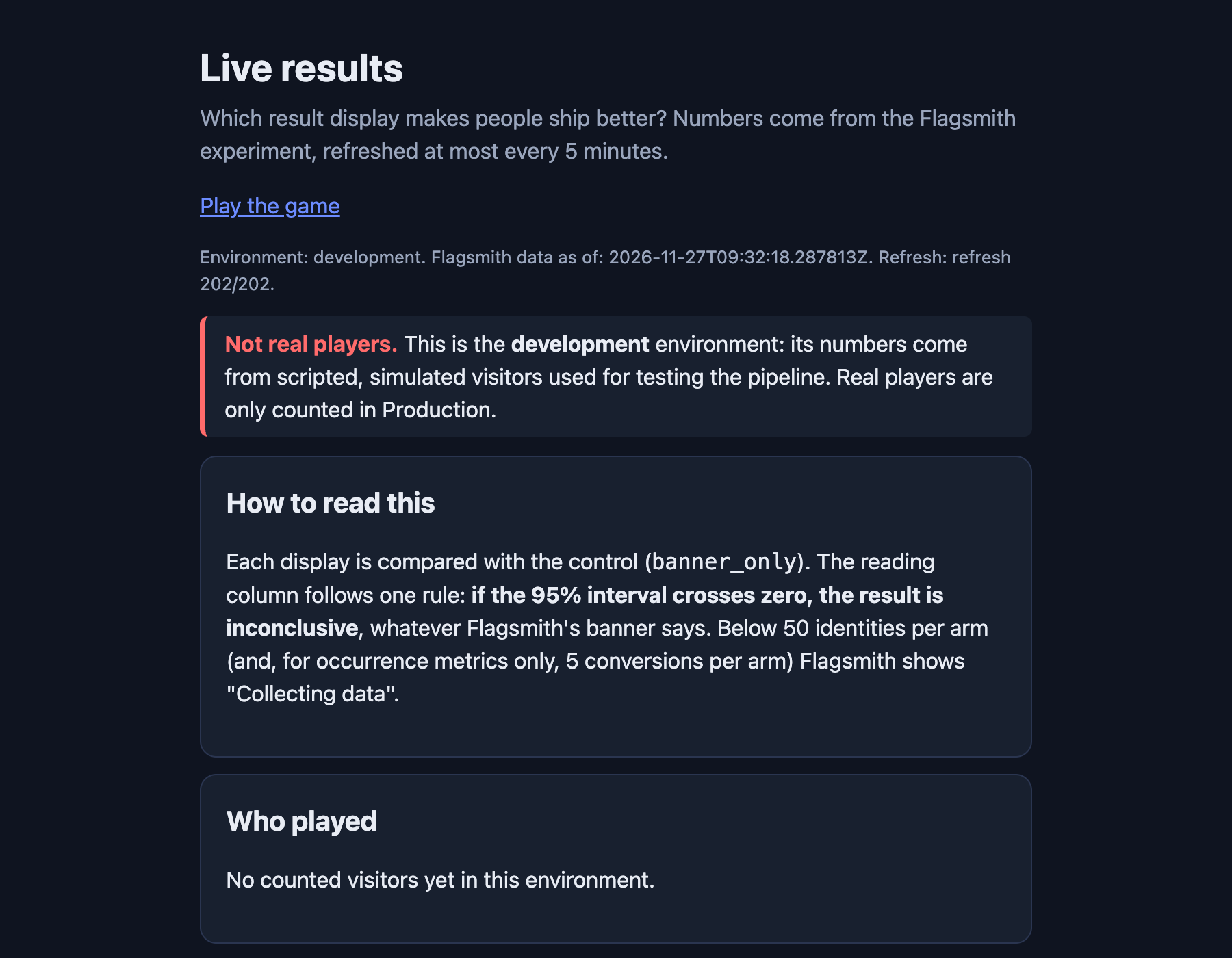
A five-card game, then a results page.
Each card is a simulated A/B test. Press Ship or Hold and the game shows what was really true. Which display you get is decided by Flagsmith.
To stop: press Ctrl+C in the terminal, then run docker compose down. That keeps your data; docker compose down -v also deletes it.
If it does not work
- A port is busy (8101 or 8111).
Start it on other ports.
FS_PORT=8201 PORT=8211 ./start.sh
Then open
http://localhost:8211. - "Flagsmith did not come up."
Check that Docker is running, then run
./start.shagain. It waits up to three minutes for Flagsmith. - "Permission denied" on
./start.sh.Run it through bash instead.
bash start.sh